
Best GPU for Ryzen 7 9800X3D
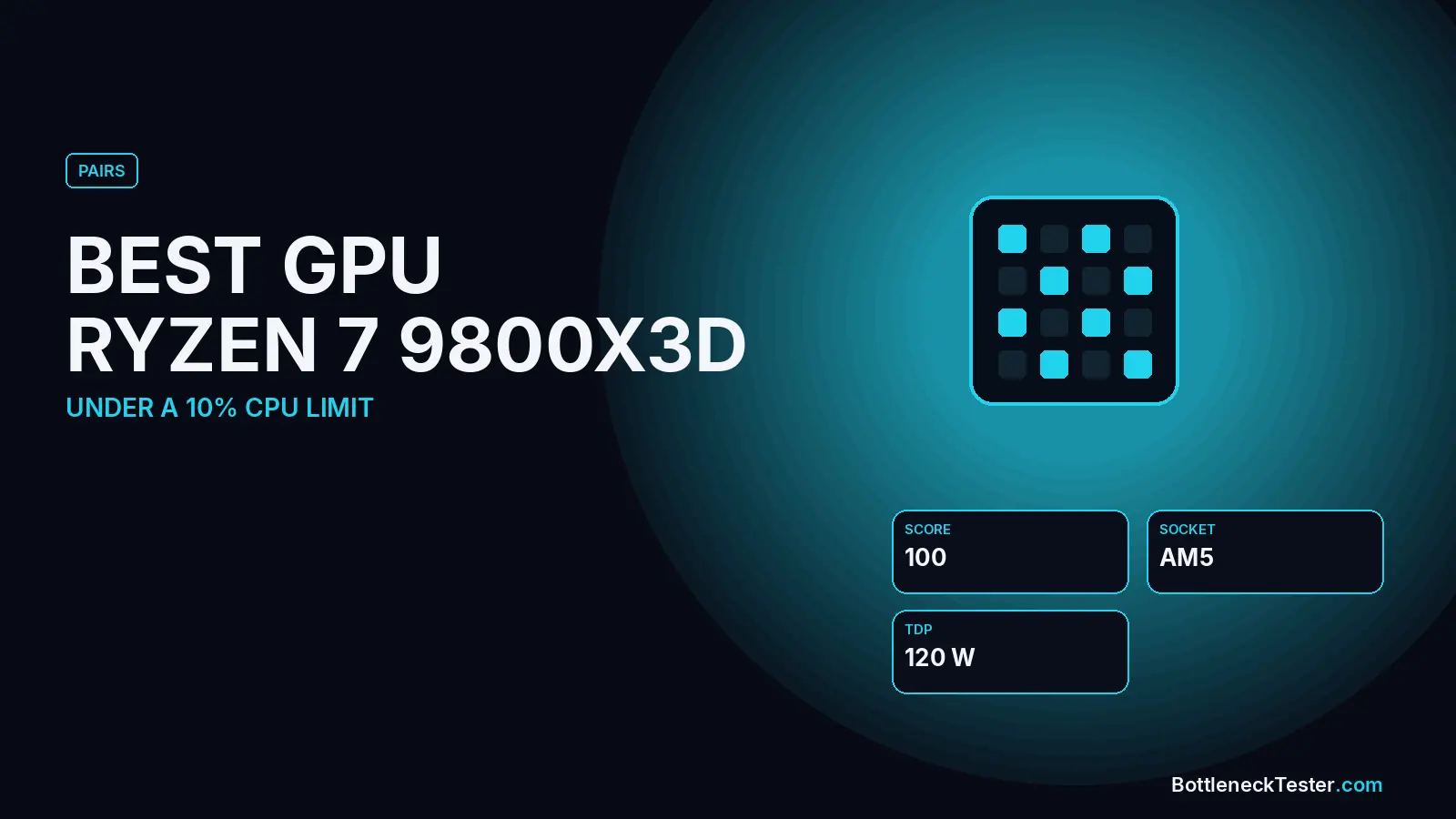
The Ryzen 7 9800X3D is the fastest gaming CPU in our database, scoring a full 100 out of 100. That changes how you should shop for a graphics card. With this processor, no current GPU is held back by the CPU. Every card you can buy is the slower part of the pair, so the only question is how much of the 9800X3D’s headroom you want to use today.
Quick Answer: Best GPU for Ryzen 7 9800X3D
The RTX 5090 is the natural match: our calculator shows a perfect 0% bottleneck at every resolution. The RTX 4090 (under 1%) and RTX 5080 (1.3–2.3%) are close behind and better value for 1440p. For a balanced mid-high build, the RX 9070 XT and RTX 5070 Ti stay under 9% at every resolution. Cards below the RTX 5070 work, but they leave a lot of this expensive CPU unused, so they only make sense as a stopgap before a bigger GPU upgrade.
Which Cards the 9800X3D Can Fully Feed
In our data, none of 14 current and recent graphics cards is CPU-limited with the 9800X3D. The number in each row tells you how far the card falls short of the processor:
| GPU | 1080p | 1440p | 4K | Verdict |
|---|---|---|---|---|
| RTX 5090 (32GB) | 0% | 0% | 0% | Perfect match |
| RTX 4090 (24GB) | 0.4%, GPU | 0.6%, GPU | 0.8%, GPU | Excellent |
| RTX 5080 (16GB) | 1.3%, GPU | 1.7%, GPU | 2.3%, GPU | Excellent |
| RTX 4080 SUPER (16GB) | 3.4%, GPU | 4.6%, GPU | 6.0%, GPU | Very good |
| RX 7900 XTX (24GB) | 3.8%, GPU | 5.2%, GPU | 6.8%, GPU | Very good |
| RX 9070 XT (16GB) | 4.6%, GPU | 6.4%, GPU | 8.3%, GPU | Good value |
| RTX 5070 Ti (16GB) | 5.0%, GPU | 7.0%, GPU | 9.0%, GPU | Good value |
| RX 9070 (16GB) | 5.5%, GPU | 7.5%, GPU | 9.8%, GPU | Good value |
| RTX 5070 (12GB) | 6.7%, GPU | 9.3%, GPU | 12.0%, GPU | CPU headroom unused at 4K |
| RTX 4070 SUPER (12GB) | 7.6%, GPU | 10.4%, GPU | 13.5%, GPU | Stopgap |
| RX 7800 XT (16GB) | 8.4%, GPU | 11.6%, GPU | 15.0%, GPU | Stopgap |
| RTX 5060 Ti (16GB) | 10.1%, GPU | 13.9%, GPU | 18.0%, GPU | Mismatched |
| RX 9060 XT (16GB) | 10.9%, GPU | 15.1%, GPU | 19.5%, GPU | Mismatched |
| RTX 4060 (8GB) | 16.8%, GPU | 23.2%, GPU | 30.0%, GPU | Avoid |
All results are estimates from our calculator, using gaming, 144Hz, 16GB dual-channel memory, an NVMe SSD, and ray tracing and upscaling off. They are not game benchmarks. “GPU” means the graphics card is the slower part.
Why Even the Fastest Cards Can’t Outrun This CPU
The 9800X3D keeps the 96MB of L3 cache that made the 7800X3D a gaming favourite, but AMD moved the stacked cache underneath the CPU cores instead of on top of them. That puts the cores in direct contact with the cooler, which let AMD raise clock speeds and, for the first time on an X3D chip, fully unlock it for overclocking. The result is the highest gaming score in our database. Even the RTX 5090, the fastest consumer GPU available, only matches it rather than outpacing it.
Is the RTX 5090 Worth It With a 9800X3D?
For 4K at high refresh rates, or for path-traced games like Cyberpunk 2077, yes. It’s the only pairing in our table with no idle headroom on either side. For 1440p, the gain over an RTX 5080 is small in our calculator (0% vs 1.7%), and the RTX 5090 asks far more of the rest of the system. NVIDIA rates it at 575W total graphics power and specifies a 1000W power supply, and measured power spikes can briefly go well above that. Budget for a quality ATX 3.1 PSU with a native 12V-2x6 connector if you go this route, since a weak unit trips during those spikes.
9800X3D vs 7800X3D: Does It Change Your GPU Choice?
No. In our calculator the two chips score 100 and 99, so every GPU recommendation shifts by less than a percentage point between them. Reviews measured the 9800X3D anywhere from about 3% to 15% faster at 1080p depending on the game, with the gap mostly disappearing at 1440p and 4K, where the graphics card does most of the work. If you already own a 7800X3D, upgrading the GPU is the better use of money. If you’re buying new, the 9800X3D mainly makes sense for 1080p high refresh rate play or if the price gap is small. The 7800X3D lands within a few percent with every card.
Budget Plan: Start Smaller, Upgrade Later
Because the 9800X3D won’t limit any GPU for a long time, buying it with a mid-range card and upgrading the graphics card later is a reasonable plan. If you do, pick a card with at least 16GB of VRAM (the RX 9070 or RTX 5070 Ti) so memory doesn’t become the next limit, and size the power supply for the card you plan to own next, not just the one you’re buying today.
Does Anything Make the 9800X3D the Bottleneck?
In our calculator, with an RTX 5090, the 9800X3D stays at 0% at 1080p, 1440p and 4K, with ray tracing, upscaling, 240Hz or streaming. The only setting that moves it is memory: single-channel RAM adds a 5% CPU limit, and only 8GB of RAM adds 3.4%. On a build at this level, use two sticks of DDR5 and at least 32GB if you stream or keep many apps open.
| Setting | RX 9070 XT | RTX 5090 |
|---|---|---|
| 1440p default | 6.4%, GPU | 0% |
| 1080p at 240Hz | 3.7%, GPU | 0% |
| Ray tracing on | 7%, GPU | 0% |
| 4K | 8.3%, GPU | 0% |
| Single-channel RAM | 0.4%, CPU | 5%, CPU |
Calculator estimates at 1440p unless stated, 144Hz, 16GB DDR4-3200 dual channel unless the row changes it. Not game benchmarks.
Best GPU for a 9800X3D by Monitor
- 1080p at 240–500Hz (esports): an RTX 5070 Ti or RX 9070 XT already pushes very high frame rates in competitive games, and the CPU keeps up easily.
- 1440p at 144–240Hz: RTX 5080 or RTX 4090 for near-perfect balance.
- 4K at 120Hz+: RTX 5090, the only card that fully matches the CPU at 4K.
Cooling and Power for a 9800X3D Build
The 9800X3D has a 120W TDP in our database. Because its cache sits under the cores, the cores have direct contact with the cooler, which helps it run at higher clocks than the 7800X3D. A quality dual-tower air cooler or a 240–360mm liquid cooler is appropriate, especially if you plan to overclock. As with any high-end build, the graphics card dominates power draw: plan for 850W with an RTX 5080 and 1000W with an RTX 5090, following NVIDIA’s system recommendations.
Is the 9800X3D Worth It Over the 7800X3D for Your GPU?
For the GPU choice, no difference: every card on this page moves by under a percentage point between the two CPUs in our calculator. The 9800X3D is worth the extra cost if you play CPU-heavy games at 1080p with a very high refresh rate, want overclocking headroom, or are buying new and the price gap is small. If you already own a 7800X3D, put the money into the graphics card instead.
Frequently Asked Questions
What GPU won’t bottleneck a 9800X3D?
Every current GPU is the slower part with a 9800X3D, so none of them is held back by the CPU. The RTX 5090, RTX 4090 and RTX 5080 come closest to using all of it, all under 2.5% in our calculator.
Will the 9800X3D bottleneck an RTX 5090?
No. Our calculator shows 0% at 1080p, 1440p and 4K, a perfectly balanced pair.
Is the RTX 5080 enough for a 9800X3D?
Yes. It stays within 2.3% at every resolution, which is a near-perfect match, and it costs and draws considerably less than an RTX 5090.
Is the 9800X3D overkill for a mid-range GPU?
For an RTX 5060 Ti or RX 9060 XT, yes. They are 10–15% GPU-limited at 1080p and 1440p. It still makes sense if you plan to upgrade the GPU within a year or two.
Should I overclock the 9800X3D for gaming?
It’s the first X3D chip that is fully unlocked for overclocking, but no current GPU is limited by it at stock settings, so overclocking mainly adds heat and power for little gaming gain.
What RAM is best for the 9800X3D?
Two sticks of DDR5-6000 in dual channel are the common choice. Like other X3D chips, it’s less sensitive to memory speed thanks to its large cache.
Check Your Exact Pair
Test your exact parts and memory in the bottleneck calculator, estimate frame rates in the FPS calculator, and see where each card ranks on the GPU tier list.
Related guides
Best GPU for Ryzen 7 7800X3D
The RTX 5080, RTX 4080 SUPER and RX 9070 XT are the best 1440p matches for a 7800X3D, and the RTX 5090 for 4K. 14 GPUs compared in our calculator.
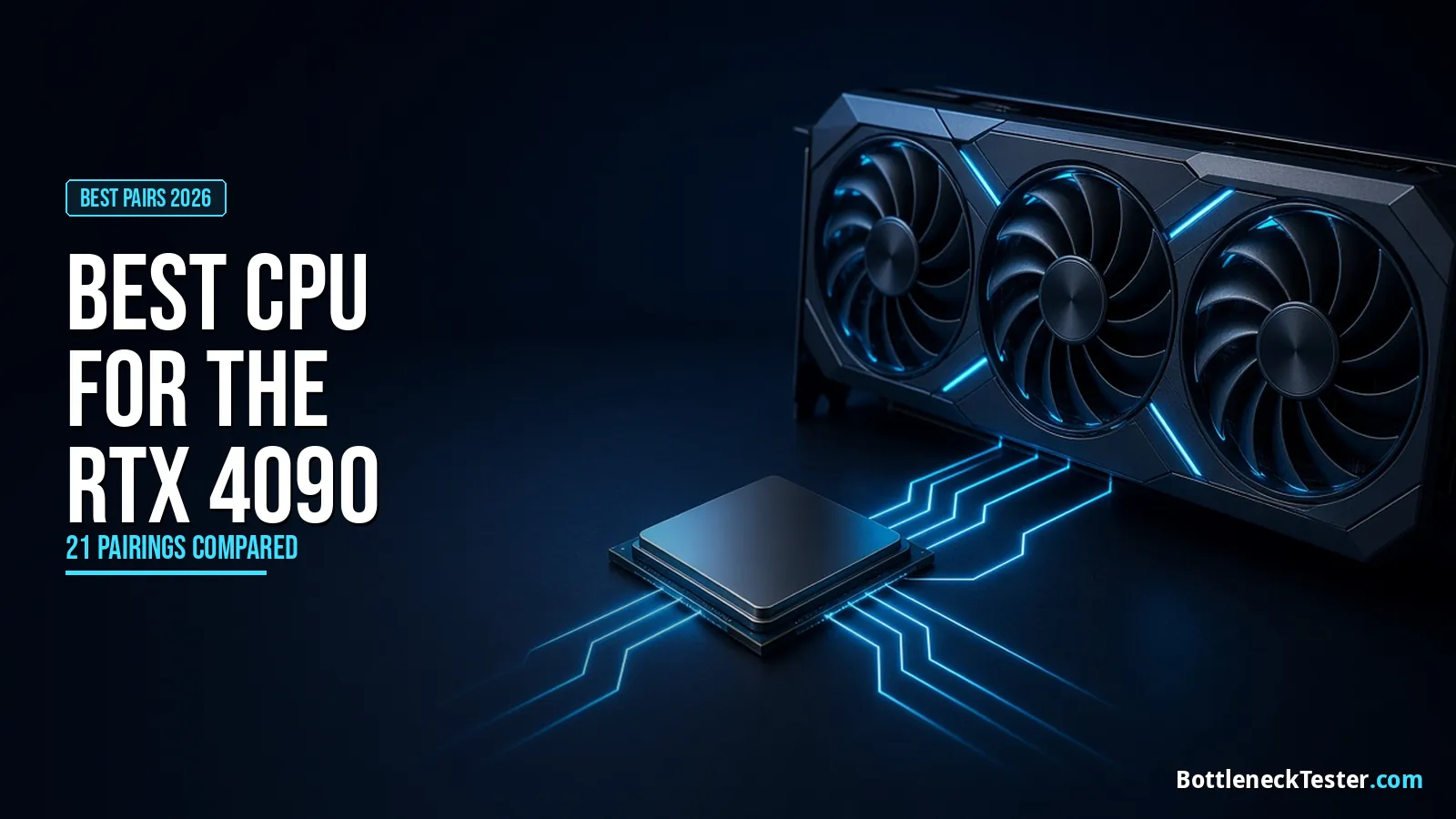
Best CPU for RTX 4090
The Ryzen 7 9800X3D is the best CPU for an RTX 4090 in games, the 9950X3D for gaming plus AI. See 21 CPUs, how DLSS and ray tracing shift the load, and PSU needs.
What CPU Do You Need for 144Hz and 240Hz Gaming?
Which CPU you need for 144Hz and 240Hz gaming, with calculator results for popular CPUs at both refresh rates and when an X3D chip is worth paying for.