
What CPU Do You Need for 144Hz and 240Hz Gaming?
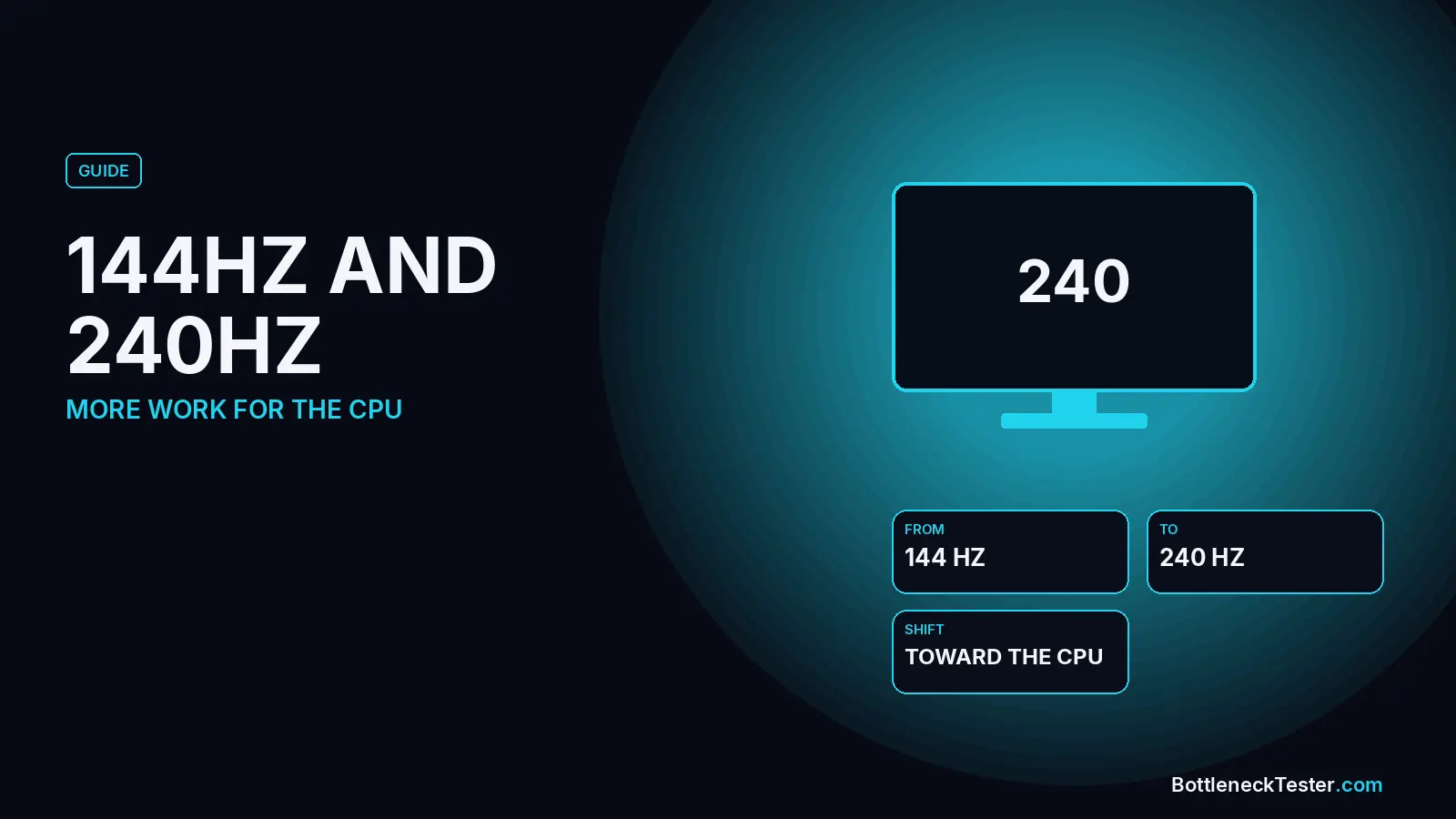
A 240Hz monitor asks your PC for nearly twice as many frames as a 144Hz one, and most of that extra work lands on the CPU. That is why high refresh rate gaming is where a processor bottleneck shows up first, and why the right CPU depends on which refresh rate you are actually trying to hit.
Quick Answer: What CPU Do You Need for 144Hz and 240Hz?
For 144Hz in most games, a current six-core CPU such as a Ryzen 5 7600X or Core i5-13600K is enough, and even a Ryzen 5 5600 stays well balanced with an RTX 4070-class card in our calculator. For 240Hz and above in esports games like CS2 and Valorant, the CPU becomes the limit much more often, and chips with large cache, such as the Ryzen 7 7800X3D and 9800X3D, are the usual recommendation. At 1440p the graphics card takes back more of the load, so the CPU matters less than it does at 1080p.
Our Calculator at 144Hz and 240Hz
144Hz at 1080p on an RTX 4070: a Ryzen 5 5600 is 2.3%, CPU-limited, and a Ryzen 5 7600X is 4.6%, GPU-limited. 240Hz on the same card: the 5600 moves to 2.6%, CPU-limited and the 7600X moves to 3.7%, GPU-limited. Both stay inside the under-10% band. The FPS estimate stays 135 for both refresh targets, because the model is already limited by the GPU term.
Why High Refresh Rates Stress the CPU
At 1080p the calculator starts the CPU with 58% of the work and the GPU with the rest. A target of 165Hz or higher adds 4 points to the CPU share. A target of 240Hz or higher adds 8 points, so the CPU share becomes 66 and the GPU share becomes 34. The gap between the two parts is then scaled by whichever side is slower. That is why a GPU-limited percent shrinks at 240Hz and a CPU-limited percent grows. The clock on the wall did not change the hardware. The model gave the CPU more of the blame for keeping the frame time short.
Resolution does the same job in the other direction. A higher resolution hands work back to the GPU. The two effects stack, which is why a 1080p 240Hz target and a 4K 60Hz target are not the same PC. How resolution changes your bottleneck is the other half of this.
144Hz and 240Hz on an RTX 4070
The card is the RTX 4070, the resolution is 1080p, and the other inputs stay at the defaults: 16GB DDR4-3200 dual channel, NVMe, ray tracing off, upscaling off. The percent is a calculator estimate.
| CPU | 144Hz | CPU share at 144 | 240Hz | CPU share at 240 |
|---|---|---|---|---|
| Ryzen 5 5600 | 2.3%, CPU-limited | 58 | 2.6%, CPU-limited | 66 |
| Core i5-12400F | 1.7%, GPU-limited | 58 | 1.4%, GPU-limited | 66 |
| Ryzen 5 7600X | 4.6%, GPU-limited | 58 | 3.7%, GPU-limited | 66 |
| Core i5-13600K | 5%, GPU-limited | 58 | 4.1%, GPU-limited | 66 |
| Ryzen 7 5800X3D | 6.3%, GPU-limited | 58 | 5.1%, GPU-limited | 66 |
| Ryzen 7 7800X3D | 8.8%, GPU-limited | 58 | 7.1%, GPU-limited | 66 |
| Ryzen 7 9800X3D | 9.2%, GPU-limited | 58 | 7.5%, GPU-limited | 66 |
The Ryzen 7 7800X3D stays GPU-limited, moving from 8.8%, GPU-limited at 144Hz to 7.1%, GPU-limited at 240Hz. You are paying for spare CPU. On this graphics card that spare does not raise the FPS estimate. It matters when the next card is faster, or when the game is more CPU-heavy than this model.
AM4 owners aiming at 144Hz can stay on the socket. The 5800X3D is 6.3%, GPU-limited at 144Hz in the table above. Chips on that board are ranked in the AM4 CPUs guide. Pairing this graphics card with a new CPU is covered on the best CPU for an RTX 4070 page.
A Faster Card at 1440p
The RTX 5070 Ti is a harder card to feed. This table is 1440p. At 240Hz the CPU share at 1440p becomes 50, because the 1440p base is 42 and the 240Hz target adds 8.
| CPU | 144Hz | CPU share at 144 | 240Hz | CPU share at 240 |
|---|---|---|---|---|
| Ryzen 5 5600 | 5.9%, CPU-limited | 42 | 7%, CPU-limited | 50 |
| Ryzen 5 7600X | 0.6%, GPU-limited | 42 | 0.5%, GPU-limited | 50 |
| Ryzen 7 7800X3D | 6.4%, GPU-limited | 42 | 5.5%, GPU-limited | 50 |
| Core i5-12400F | 2.5%, CPU-limited | 42 | 3%, CPU-limited | 50 |
On this faster card the Ryzen 5 5600 is 7%, CPU-limited at 1440p and 240Hz, which is still under 10%. The Ryzen 5 7600X at 1440p is 0.5%, GPU-limited at 240Hz. A 240Hz target does not automatically demand a flagship CPU for these two cards. It does move the percent, and the move is the number to read.
Esports vs AAA Games at High Refresh Rates
Competitive shooters and big single-player games stress a PC in opposite ways. In CS2, Valorant and Fortnite at low settings, the graphics card finishes each frame quickly, so the frame rate depends on how fast the CPU can run the game’s main thread. That is where 240Hz and 360Hz monitors make a fast CPU pay off, and where large-cache X3D chips are known for strong results. In demanding AAA games at high settings, the graphics card is usually the limit long before 144 FPS, so a faster CPU changes little unless the GPU is also high-end.
Practical rule: if you mainly play esports titles on a 240Hz or faster monitor, spend more on the CPU. If you mainly play AAA games at 1440p or 4K, spend more on the GPU.
Settings That Shift Load to the CPU
- Lower resolution and low graphics presets: make each frame easier for the GPU, so the CPU decides the frame rate.
- Upscaling (DLSS, FSR, XeSS): renders at a lower internal resolution, which has the same effect as lowering resolution.
- Crowd density, view distance and physics: add work for the CPU on every frame.
- Uncapped frame rate: the CPU keeps preparing frames as fast as it can, even above your refresh rate.
Can a Monitor Bottleneck Your GPU?
Not in the usual sense. The refresh rate is the most frames the screen can show each second, not a limit on what the GPU can produce. If your graphics card can render 300 FPS on a 144Hz monitor, the extra frames are simply never displayed, so a faster monitor is what lets you see them. If the GPU produces fewer frames than the refresh rate, the GPU (or CPU) is the limit, not the monitor.
If your frame rate is stuck at exactly 60, 120, 144 or 165, the cause is usually a cap rather than your hardware: V-Sync, a frame limit in the game or driver, the monitor set to a lower refresh rate in Windows, or a cable that can’t carry the full refresh rate. With G-Sync or FreeSync, many players cap the frame rate a few frames below the refresh rate to stay inside the variable refresh range.
Frame Generation
Generated frames are not CPU frames. Frame generation draws extra frames on the GPU. The CPU did not prepare them. A monitor can show a higher number while the base frame rate is still waiting on the processor. Our table is the base balance, with upscaling off. Use it for the CPU question. Treat generated frames as a smoothness feature on top, not as proof the CPU caught up.
Frequently Asked Questions
What CPU do I need for 144Hz gaming?
A current six-core CPU such as the Ryzen 5 7600X or Core i5-13600K handles 144Hz in most games. In our calculator, even a Ryzen 5 5600 stays under a 10% bottleneck with an RTX 4070 at 1080p and 144Hz.
Does a high refresh rate monitor need a better CPU?
Yes, if you want to actually reach the refresh rate. Every extra frame has to be prepared by the CPU first, so higher refresh targets, especially at 1080p, make the CPU the limit more often.
Do I need an X3D chip for 240Hz?
Not for an RTX 4070 in this calculator. The 5600 and 7600X both stay under 10% at 1080p and 240Hz. An X3D chip is the purchase when you want spare CPU for a faster card later.
Why did the FPS estimate not change between 144Hz and 240Hz?
The FPS formula is capped by the graphics card once that cap is the lowest term. The refresh target changes the bottleneck percent. It does not lift a cap the card already set. Check a specific game with the FPS calculator, and treat that result as an estimate too.
Is 1440p at 240Hz a different CPU problem?
Yes. The resolution hands work to the GPU, and the refresh target hands work back to the CPU. Read the row for your card. Do not copy the 1080p percent onto a 1440p monitor.
Related guides
RAM Latency Calculator (First Word Latency)
Turn a CAS latency and a speed into nanoseconds. Compare common DDR4 and DDR5 kits, and see why a lower CL number is not automatically faster.
Best GPU for Ryzen 5 5600 and 5600X
The RTX 5070, RX 9070 and RTX 5070 Ti are the best 1440p matches for a Ryzen 5 5600. 16 GPUs tested in our calculator, plus 5600X, VRAM and B450 PCIe notes.
Best CPU for RTX 3060
Almost any CPU since 2019 keeps up with an RTX 3060, so upgrade the GPU first. 25 CPUs compared in our calculator, plus when a CPU upgrade makes sense.