
Best CPU for RTX 3060
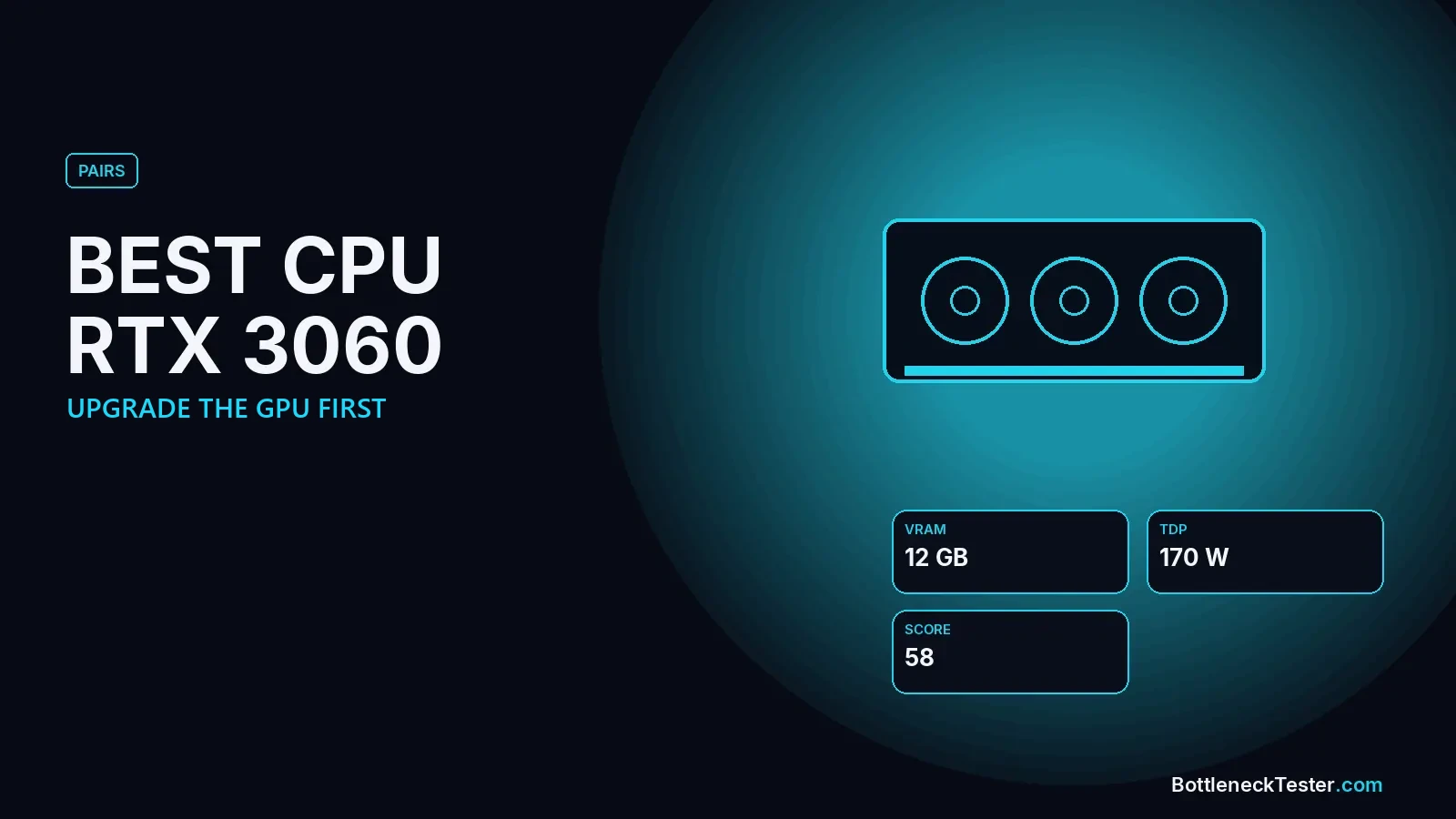
Most people searching for the best CPU for an RTX 3060 already own the card and want to know whether their processor is holding it back, or whether a CPU upgrade is worth it. For most systems the answer is surprising: the RTX 3060 is slow enough by today’s standards that almost any CPU from the last six years keeps up with it.
Quick Answer: Best CPU for RTX 3060
The most balanced CPUs for an RTX 3060 in our calculator are older and budget chips: the Ryzen 5 3600 and Core i7-8700K (1.7% at 1440p), Core i5-10400F and Core i3-12100F (2.3%), and Ryzen 7 3700X (3.5%). Even the Ryzen 5 2600 is close (4.2%). Faster CPUs like the Ryzen 5 5600 (9.3%) or 7800X3D (23.8%) are GPU-limited, meaning the RTX 3060 can’t use them. If you’re upgrading, upgrade the graphics card first.
Upgrade the CPU or the GPU First?
For almost every RTX 3060 owner, the GPU. In our table, every CPU from the Ryzen 5 3600 upward is GPU-limited with this card. The graphics card is already the slower part, so a new processor would mostly add idle headroom. Only the oldest chip we tested, the Ryzen 5 2600, is CPU-limited (5.8% at 1080p), and even that gap is small.
Use this rule of thumb:
- Your CPU is a Ryzen 5 3600, i5-10400F or newer: keep it and replace the RTX 3060. Our best GPU for Ryzen 5 5600 guide shows how far an AM4 chip can go.
- Your CPU is older than that (4-core Intel or Ryzen 1000/2000): the 3060 is still the slower part, but a new GPU would quickly outgrow the CPU, so plan both upgrades together.
- Buying a CPU now and keeping the 3060 for a while: pick a CPU for the GPU you’ll buy next, not for the 3060.
Calculator Results: RTX 3060 With 26 CPUs
| CPU | 1080p | 1440p | 4K | Limit at 1440p |
|---|---|---|---|---|
| AMD Ryzen 7 9800X3D | 17.6%, GPU | 24.4%, GPU | 31.5%, GPU | GPU |
| AMD Ryzen 7 7800X3D | 17.2%, GPU | 23.8%, GPU | 30.8%, GPU | GPU |
| Intel Core i7-14700K | 15.5%, GPU | 21.5%, GPU | 27.8%, GPU | GPU |
| AMD Ryzen 7 5800X3D | 14.7%, GPU | 20.3%, GPU | 26.3%, GPU | GPU |
| AMD Ryzen 7 7700X | 14.3%, GPU | 19.7%, GPU | 25.5%, GPU | GPU |
| Intel Core i5-14600K | 13.9%, GPU | 19.1%, GPU | 24.8%, GPU | GPU |
| Intel Core i5-13600K | 13.4%, GPU | 18.6%, GPU | 24%, GPU | GPU |
| AMD Ryzen 5 7600X | 13%, GPU | 18%, GPU | 23.3%, GPU | GPU |
| AMD Ryzen 7 9700X | 13%, GPU | 18%, GPU | 23.3%, GPU | GPU |
| Intel Core Ultra 7 265KF | 12.2%, GPU | 16.8%, GPU | 21.8%, GPU | GPU |
| AMD Ryzen 5 9600X | 11.3%, GPU | 15.7%, GPU | 20.3%, GPU | GPU |
| AMD Ryzen 7 5700X3D | 11.3%, GPU | 15.7%, GPU | 20.3%, GPU | GPU |
| Intel Core i5-12400F | 10.1%, GPU | 13.9%, GPU | 18%, GPU | GPU |
| Intel Core i5-14400F | 10.1%, GPU | 13.9%, GPU | 18%, GPU | GPU |
| AMD Ryzen 5 7600 | 9.7%, GPU | 13.3%, GPU | 17.3%, GPU | GPU |
| Intel Core i5-13400F | 9.2%, GPU | 12.8%, GPU | 16.5%, GPU | GPU |
| AMD Ryzen 5 5600X | 8.4%, GPU | 11.6%, GPU | 15%, GPU | GPU |
| Intel Core i5-11400F | 7.6%, GPU | 10.4%, GPU | 13.5%, GPU | GPU |
| AMD Ryzen 5 5600 | 6.7%, GPU | 9.3%, GPU | 12%, GPU | GPU |
| AMD Ryzen 7 3700X | 2.5%, GPU | 3.5%, GPU | 4.5%, GPU | GPU |
| Intel Core i3-12100F | 1.7%, GPU | 2.3%, GPU | 3%, GPU | GPU |
| Intel Core i5-10400F | 1.7%, GPU | 2.3%, GPU | 3%, GPU | GPU |
| AMD Ryzen 5 3600 | 1.3%, GPU | 1.7%, GPU | 2.3%, GPU | GPU |
| Intel Core i7-8700K | 1.3%, GPU | 1.7%, GPU | 2.3%, GPU | GPU |
| Intel Core i7-7700K | 1.7%, CPU | 1.3%, CPU | 0.7%, CPU | CPU |
| AMD Ryzen 5 2600 | 5.8%, CPU | 4.2%, CPU | 2.5%, CPU | CPU |
All figures are estimates from our calculator, not game benchmarks. Every row uses the same settings: gaming, 144Hz target, 16GB DDR4-3200 dual channel, an NVMe SSD, ray tracing and upscaling off. “CPU” means the processor is the slower part; “GPU” means the graphics card is.
Reading These Results
A high GPU-limited number, like the 7800X3D’s 23.8% at 1440p, doesn’t mean the pairing is bad. It means the RTX 3060 is using a small part of what the CPU can do. You’ll get exactly the frame rate the 3060 is capable of, and the CPU will be ready for a much faster card later. The pairings to worry about are the CPU-limited ones, and with an RTX 3060 there are almost none.
12GB of VRAM: The RTX 3060’s Strength
The desktop RTX 3060 has 12GB of VRAM, more than many newer budget cards with 8GB. That helps it in modern games with large textures, where 8GB cards stutter. When you do replace it, don’t step down in memory: look for a card with 12GB or 16GB. The VRAM bottleneck guide explains why.
Older CPUs With an RTX 3060: How Far Back Can You Go?
Many RTX 3060 owners run older systems. Here is how four common older and current CPUs behave with the card, including the settings that change the picture:
| Setting | Ryzen 5 2600 | Core i7-7700K | Ryzen 5 3600 | Ryzen 5 5600 |
|---|---|---|---|---|
| 1440p default | 4.2%, CPU | 1.3%, CPU | 1.7%, GPU | 9.3%, GPU |
| 1080p | 5.8%, CPU | 1.7%, CPU | 1.3%, GPU | 6.7%, GPU |
| 1080p at 240Hz | 6.6%, CPU | 2%, CPU | 1%, GPU | 5.4%, GPU |
| Single-channel RAM | 9.2%, CPU | 6.3%, CPU | 3.8%, CPU | 2.3%, GPU |
| Only 8GB RAM | 7.6%, CPU | 4.6%, CPU | 2.1%, CPU | 4.6%, GPU |
Calculator estimates at 1440p unless stated, 144Hz, 16GB DDR4-3200 dual channel unless the row changes it. Not game benchmarks.
Even a 2018 Ryzen 5 2600 stays under 7% with the RTX 3060 at normal settings. The settings that cause trouble are memory-related: single-channel RAM or only 8GB adds several points to every older CPU. If your PC has one 8GB stick, adding a matching second stick is one of the cheapest upgrades you can make for an RTX 3060 system.
Where the RTX 3060 Starts to Struggle
When an RTX 3060 system feels slow, the card is usually the reason, not the CPU. Common signs that the GPU is the limit:
- GPU usage at 95–100%: check in MSI Afterburner or Task Manager while playing. That means the card is fully loaded and the CPU is waiting.
- FPS rises a lot when you lower resolution or settings: another sign the graphics card is the bottleneck.
- New games at 1440p high or ultra settings: the RTX 3060 is a 1080p-focused card by today’s standards; DLSS Quality mode helps at 1440p.
Our CPU vs GPU bottleneck guide walks through these checks in more detail.
Best GPU Upgrades From an RTX 3060
If you decide the card is the part to replace, a full tier jump is the change you’ll feel. With a Ryzen 5 5600-class CPU, an RTX 5060 Ti 16GB, RX 9060 XT 16GB or RTX 5070 are all well balanced in our calculator. Keep at least 12GB of VRAM, matching what the 3060 already has. See the best GPU for a Ryzen 5 5600 for full numbers, or the GPU tier list to compare options.
Checklist Before Upgrading an RTX 3060 PC
- Check RAM: two sticks in dual channel and at least 16GB. This is the cheapest fix for older systems.
- Enable XMP/DOCP: make sure the memory runs at its rated speed in the BIOS.
- Update drivers and Windows: old drivers are a common cause of stutter.
- Measure GPU usage: if it sits near 100% in your games, upgrade the graphics card. If it is well below and one CPU core is maxed, the CPU is the limit.
- Check the power supply: a faster replacement card may need more power and different connectors than the RTX 3060.
Frequently Asked Questions
Will a Ryzen 5 5600 bottleneck an RTX 3060?
No. It’s the other way around: the RTX 3060 is the slower part, 6.7% GPU-limited at 1080p and 9.3% at 1440p.
Will an old CPU like the i7-7700K bottleneck an RTX 3060?
Barely. Our calculator shows 1.7% at 1080p, a near-perfect balance. Four-core chips can still struggle in very CPU-heavy games, though.
What is the best CPU upgrade for an RTX 3060?
Usually none. Upgrading the graphics card gives a bigger improvement. If you do upgrade the CPU, choose it for your next GPU.
Is the RTX 3060 still good in 2026?
For 1080p at medium to high settings, yes, and its 12GB of VRAM helps. For 1440p in new games, a newer card is a clear step up.
Will a Ryzen 5 2600 bottleneck an RTX 3060?
Slightly: 5.8% at 1080p and 4.2% at 1440p in our calculator. That’s a small gap; upgrading the GPU first still gives more.
Is 8GB of RAM enough for an RTX 3060 system?
It holds the card back. Moving to 16GB in dual channel lowers the CPU limit with every older processor in our tests.
What CPU did most RTX 3060 builds use?
Mid-range six-core chips of the same era, such as the Ryzen 5 3600, Ryzen 5 5600X and Core i5-10400F or 11400F. All of them are well balanced with the card in our calculator.
Check Your Exact Pair
Run your exact CPU and RTX 3060 in the bottleneck calculator, and compare possible replacements on the GPU tier list.
Related guides
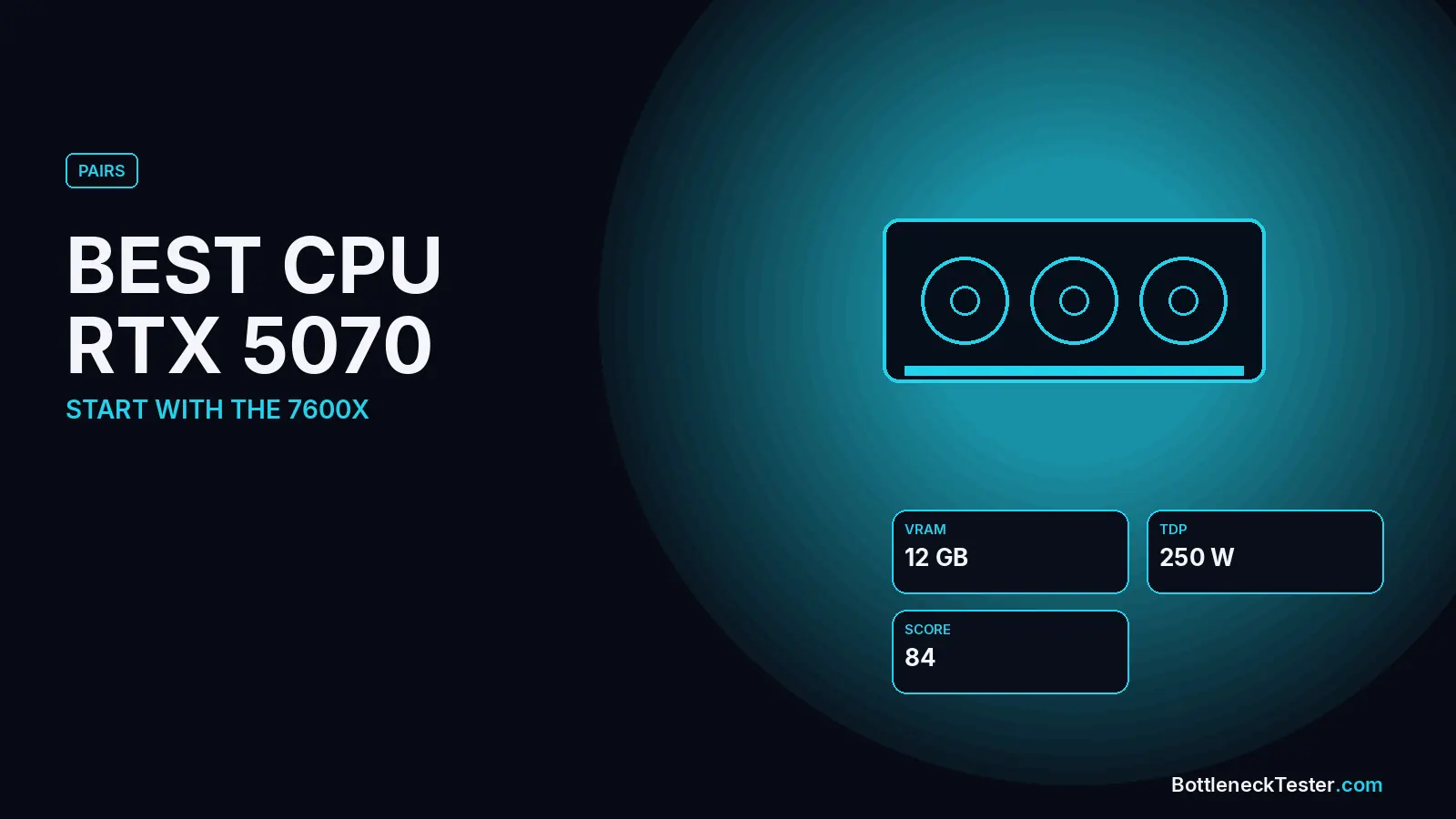
Best CPU for RTX 5070
The Ryzen 5 7600X, i5-12400F and Ryzen 5 7600 are the best-balanced CPUs for an RTX 5070. 25 CPUs compared, plus 12GB VRAM, DLSS 4 and PSU notes.
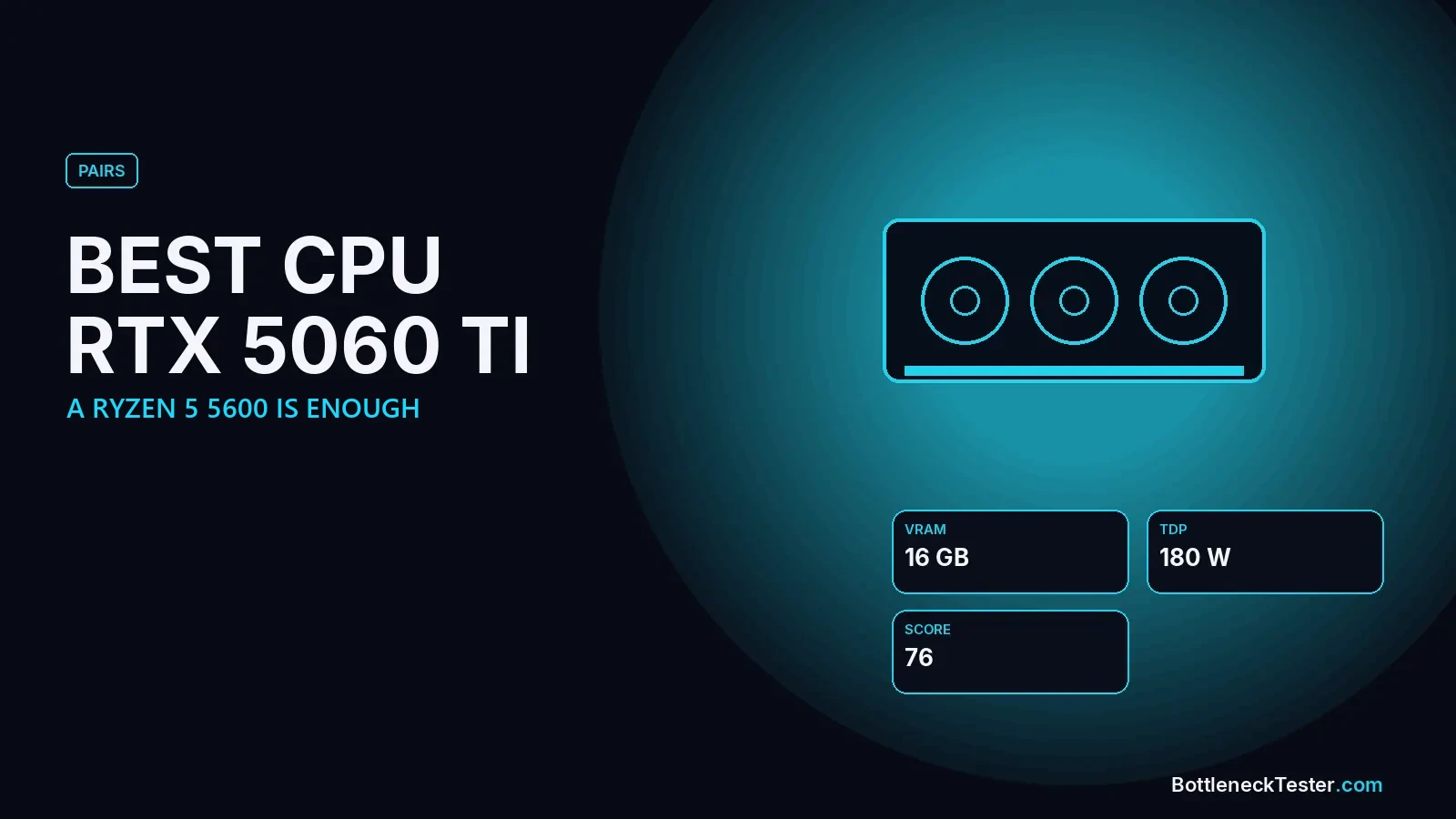
Best CPU for RTX 5060 Ti and RTX 5060
A Ryzen 5 5600 or i5-12400F is all an RTX 5060 Ti needs. 25 CPUs compared, plus RTX 5060 results, 8GB vs 16GB and the PCIe 3.0 x8 catch.
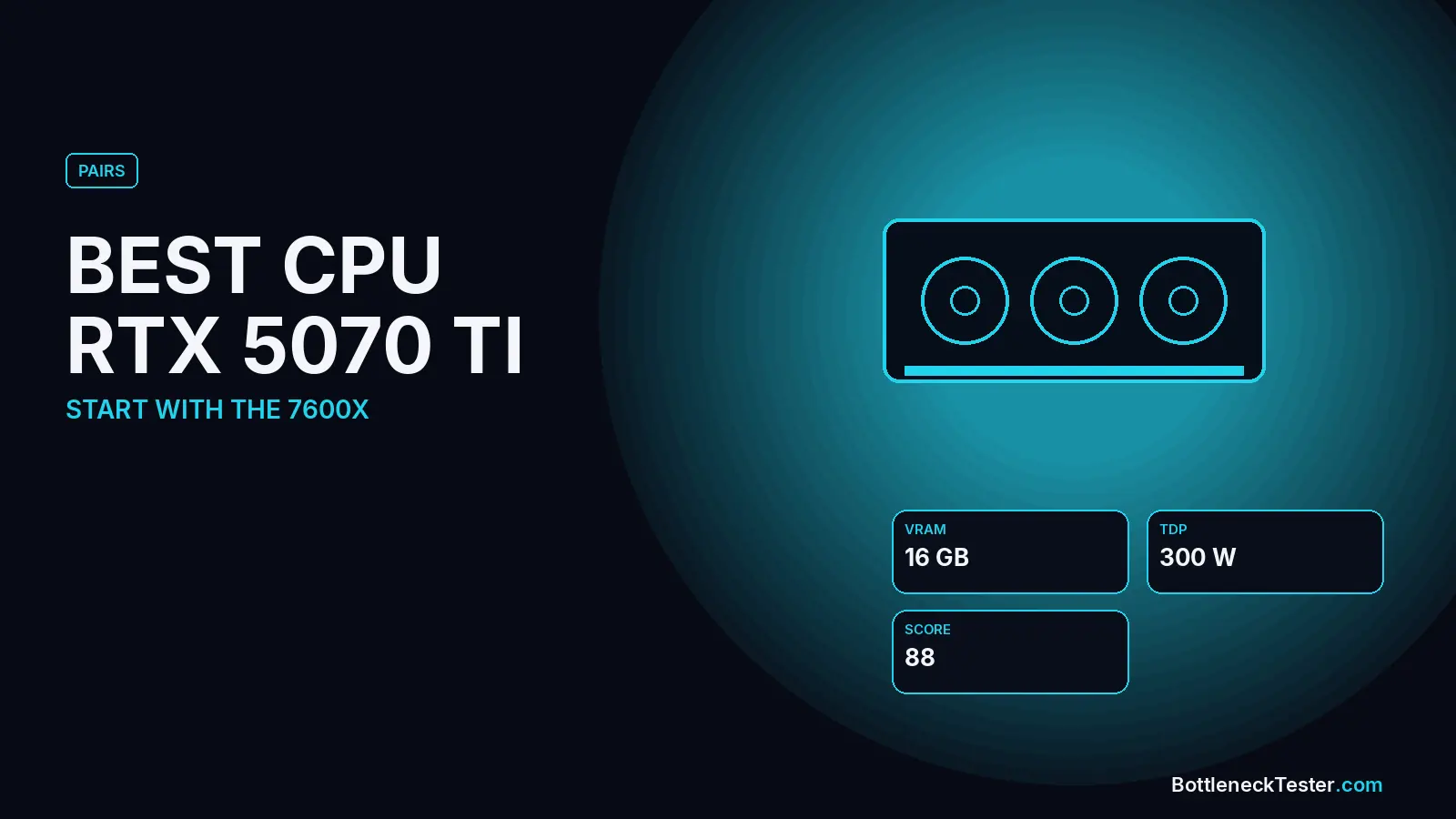
Best CPU for RTX 5070 Ti
The Ryzen 5 7600X, Ryzen 7 9700X and i5-13600K are the best-balanced CPUs for an RTX 5070 Ti. Picks for 1440p high refresh vs 4K, 25 CPUs compared.