
Best CPU for RTX 5070
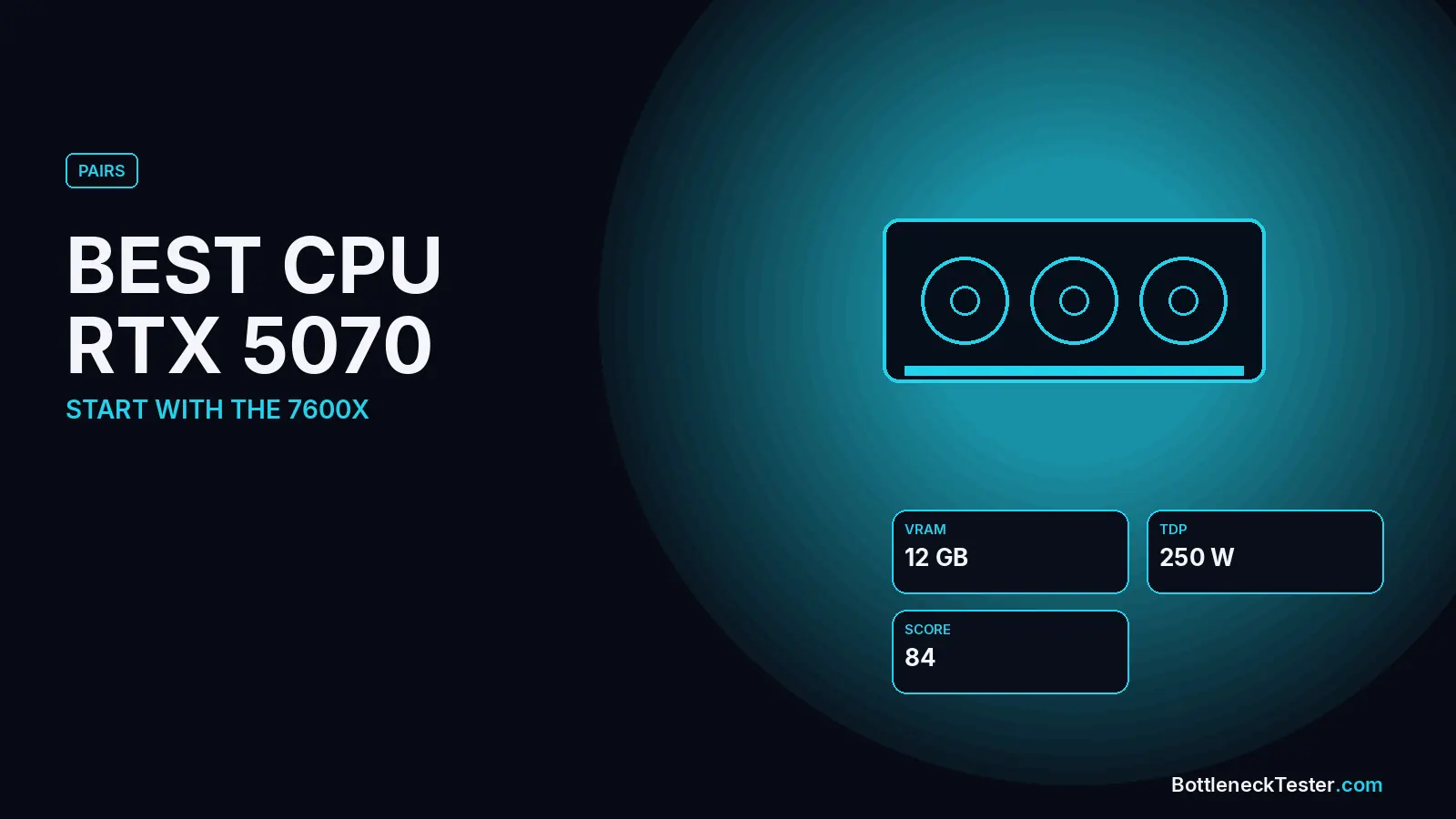
The RTX 5070 is NVIDIA’s mainstream 1440p card for this generation, and it’s easy to pair well because it doesn’t ask much of the processor. Almost any modern six-core CPU keeps it close to balanced. The real decisions are whether your current CPU is still good enough, and how much spare CPU you want for a future upgrade.
Quick Answer: Best CPU for RTX 5070
For a new build, the Ryzen 5 7600X is the best value match for the RTX 5070, at 2.9% (GPU-limited) at 1440p in our calculator. On a budget, the Core i5-12400F (0.8%) and Ryzen 5 7600 (1.3%) are almost perfectly balanced. If you already have an AM4 system, a Ryzen 5 5600 (4.2%) or 5600X (2.5%) is still fine, so you don’t need a new CPU. CPUs older than about 2019, such as the Ryzen 5 3600 or Core i7-8700K, cross 10% at 1080p and are worth replacing.
Best CPU for RTX 5070 by Budget
| Budget | CPU | 1440p | Why |
|---|---|---|---|
| Keep what you have (AM4) | Ryzen 5 5600 / 5600X | 4.2% / 2.5%, CPU | Still well balanced; spend the money on the GPU |
| Budget new build | Core i5-12400F / Ryzen 5 7600 | 0.8% / 1.3%, CPU | Near-perfect balance at the lowest cost |
| Best value | Ryzen 5 7600X / Ryzen 7 9700X | 2.9%, GPU | A little headroom for the next GPU on AM5 |
| Intel mid-range | Core i5-13600K / 14600K | 3.5% / 4.1%, GPU | Extra cores for streaming and work |
| High refresh rate / future upgrade | Ryzen 7 7800X3D | 8.7%, GPU | More CPU than the 5070 needs today |
Calculator Results: RTX 5070 With 26 CPUs
| CPU | 1080p | 1440p | 4K | Limit at 1440p |
|---|---|---|---|---|
| AMD Ryzen 7 9800X3D | 6.7%, GPU | 9.3%, GPU | 12%, GPU | GPU |
| AMD Ryzen 7 7800X3D | 6.3%, GPU | 8.7%, GPU | 11.3%, GPU | GPU |
| Intel Core i7-14700K | 4.6%, GPU | 6.4%, GPU | 8.3%, GPU | GPU |
| AMD Ryzen 7 5800X3D | 3.8%, GPU | 5.2%, GPU | 6.8%, GPU | GPU |
| AMD Ryzen 7 7700X | 3.4%, GPU | 4.6%, GPU | 6%, GPU | GPU |
| Intel Core i5-14600K | 2.9%, GPU | 4.1%, GPU | 5.3%, GPU | GPU |
| Intel Core i5-13600K | 2.5%, GPU | 3.5%, GPU | 4.5%, GPU | GPU |
| AMD Ryzen 5 7600X | 2.1%, GPU | 2.9%, GPU | 3.8%, GPU | GPU |
| AMD Ryzen 7 9700X | 2.1%, GPU | 2.9%, GPU | 3.8%, GPU | GPU |
| Intel Core Ultra 7 265KF | 1.3%, GPU | 1.7%, GPU | 2.3%, GPU | GPU |
| AMD Ryzen 5 9600X | 0.4%, GPU | 0.6%, GPU | 0.8%, GPU | GPU |
| AMD Ryzen 7 5700X3D | 0.4%, GPU | 0.6%, GPU | 0.8%, GPU | GPU |
| Intel Core i5-12400F | 1.2%, CPU | 0.8%, CPU | 0.5%, CPU | CPU |
| Intel Core i5-14400F | 1.2%, CPU | 0.8%, CPU | 0.5%, CPU | CPU |
| AMD Ryzen 5 7600 | 1.7%, CPU | 1.3%, CPU | 0.8%, CPU | CPU |
| Intel Core i5-13400F | 2.3%, CPU | 1.7%, CPU | 1%, CPU | CPU |
| AMD Ryzen 5 5600X | 3.5%, CPU | 2.5%, CPU | 1.5%, CPU | CPU |
| Intel Core i5-11400F | 4.6%, CPU | 3.4%, CPU | 2%, CPU | CPU |
| AMD Ryzen 5 5600 | 5.8%, CPU | 4.2%, CPU | 2.5%, CPU | CPU |
| AMD Ryzen 7 3700X | 11.6%, CPU | 8.4%, CPU | 5%, CPU | CPU |
| Intel Core i3-12100F | 12.8%, CPU | 9.2%, CPU | 5.5%, CPU | CPU |
| Intel Core i5-10400F | 12.8%, CPU | 9.2%, CPU | 5.5%, CPU | CPU |
| AMD Ryzen 5 3600 | 13.3%, CPU | 9.7%, CPU | 5.8%, CPU | CPU |
| Intel Core i7-8700K | 13.3%, CPU | 9.7%, CPU | 5.8%, CPU | CPU |
| Intel Core i7-7700K | 16.8%, CPU | 12.2%, CPU | 7.3%, CPU | CPU |
| AMD Ryzen 5 2600 | 20.9%, CPU | 15.1%, CPU | 9%, CPU | CPU |
All figures are estimates from our calculator, not game benchmarks. Every row uses the same settings: gaming, 144Hz target, 16GB DDR4-3200 dual channel, an NVMe SSD, ray tracing and upscaling off. “CPU” means the processor is the slower part; “GPU” means the graphics card is.
Is Your Current CPU Good Enough for an RTX 5070?
For most people upgrading only the graphics card, yes. Everything from the Ryzen 5 5600 and Core i5-11400F up stays under 5% at 1440p. The line falls around 2018–2019 hardware: a Ryzen 7 3700X, Ryzen 5 3600, Core i5-10400F or Core i7-8700K sits between 11.6% and 13.3% at 1080p and about 8–10% at 1440p. That’s a noticeable gap at 1080p high refresh rates, but still workable at 1440p. The Core i7-7700K (16.8% at 1080p) and Ryzen 5 2600 (20.9%) are clearly holding the card back.
On AM4, the cheapest fix for an older Ryzen is a drop-in upgrade. A Ryzen 7 5700X3D brings an RTX 5070 to 0.6% without a new motherboard. See our best AM4 CPU guide.
12GB of VRAM: What It Means for Your CPU Choice
The RTX 5070 has 12GB of VRAM, enough for 1440p in most games, but some new titles at maximum textures can use more. That limit has nothing to do with the processor. A faster CPU won’t fix running out of video memory. If a game stutters with texture pop-in on a 5070, lower the texture setting before you look at the CPU. Our VRAM bottleneck guide shows how to tell the difference.
Does DLSS 4 Multi Frame Generation Hide a CPU Bottleneck?
Partly, and only on the screen. RTX 50-series cards can generate up to three extra frames for each one the game renders, which raises the FPS counter a lot. But the CPU still has to prepare every real frame, so input feel and the base frame rate still depend on the processor. Frame generation also works best when the base frame rate is already reasonable. Use the table above to choose the CPU, and treat generated frames as extra smoothness on top.
Power Supply for an RTX 5070
NVIDIA rates the RTX 5070 at 250W and recommends a 650W power supply for the whole system. With a 65W CPU such as the Ryzen 5 7600 or i5-12400F, a good-quality 650W unit leaves comfortable headroom. If you choose a high-power Intel K chip, consider 750W. More detail is in our PSU bottleneck guide.
How Settings Change the Pairing
The table above uses one fixed set of settings. Real builds differ, and some settings move the result more than people expect. Here is how three common RTX 5070 pairings react, with the resolution held at 1440p:
| Setting | Ryzen 5 5600 | Ryzen 5 7600X | Ryzen 7 7800X3D |
|---|---|---|---|
| Default (144Hz) | 4.2%, CPU | 2.9%, GPU | 8.7%, GPU |
| Ray tracing on | 3.6%, CPU | 3.2%, GPU | 9.6%, GPU |
| DLSS/FSR upscaling on | 4.7%, CPU | 2.7%, GPU | 8%, GPU |
| 240Hz target | 5%, CPU | 2.5%, GPU | 7.5%, GPU |
| Streaming while gaming | 5.2%, CPU | 2.4%, GPU | 7.2%, GPU |
| Single-channel RAM | 9.2%, CPU | 2.9%, CPU | 1.7%, GPU |
| Only 8GB RAM | 7.6%, CPU | 1.3%, CPU | 4.1%, GPU |
Calculator estimates at 1440p unless stated, 144Hz, 16GB DDR4-3200 dual channel unless the row changes it. Not game benchmarks.
The takeaway: ray tracing pushes work back onto the graphics card, so it makes a CPU-limited pairing look better. Upscaling, high refresh rates and streaming do the opposite. The biggest single swing comes from memory. Running one stick of RAM instead of two more than doubles the Ryzen 5 5600’s CPU limit with this card, from 4.2% to 9.2%. Fix the RAM before you buy a new processor. Our RAM bottleneck guide explains why dual channel matters.
Best CPU for RTX 5070 at 1080p, 1440p and 4K
1080p
The CPU matters most here. A Ryzen 5 5600 rises to 5.8% at 1080p and 6.6% at 1080p/240Hz, still a reasonable pair. If you play esports titles at very high frame rates, the Ryzen 5 7600X or a 7800X3D gives more headroom: both stay GPU-limited even at 1080p 240Hz.
1440p
The RTX 5070’s natural resolution. Every CPU from the Ryzen 5 5600 and Core i5-11400F upward stays under 5%, so pick by budget and platform rather than chasing a faster chip.
4K
The graphics card does almost all the work: a Ryzen 5 5600 drops to 2.5%. At 4K, spending more on the CPU gives little back. Put the money toward the GPU, or keep the 12GB VRAM limit in mind and use upscaling.
AM4 vs AM5 vs Intel for an RTX 5070
- AM4: the cheapest route if you already own the board. A Ryzen 7 5700X3D is a near-perfect match (0.6% GPU-limited) and drops into most B450/B550 boards after a BIOS update.
- AM5: the best long-term platform. A Ryzen 5 7600 or 7600X pairs well today, and the socket can take a faster X3D chip later.
- Intel LGA1700: the Core i5-12400F, 13400F and 14400F are all within about 2% at 1440p and are often the cheapest balanced option. The socket has no newer chips coming, so the upgrade path ends at 14th gen.
Frequently Asked Questions
Will a Ryzen 5 5600 bottleneck an RTX 5070?
Only slightly: 5.8% at 1080p and 4.2% at 1440p in our calculator. It’s a good pairing for 1440p.
What is the best budget CPU for the RTX 5070?
The Core i5-12400F and Ryzen 5 7600 are the most balanced budget options, at 0.8% and 1.3% at 1440p.
Is the Ryzen 7 7800X3D overkill for an RTX 5070?
For the 5070 alone, yes. It’s 8.7% GPU-limited at 1440p, meaning the CPU has headroom left over. It makes sense for 240Hz esports or if you plan a bigger GPU upgrade later.
Will an i7-8700K or Ryzen 5 3600 bottleneck an RTX 5070?
Yes at 1080p (about 13%), less so at 1440p (9.7%). If you play at 1080p with a high refresh rate, a CPU upgrade is worthwhile.
Does ray tracing change which CPU I need for the RTX 5070?
It lowers the CPU’s share of the work, so a CPU that is borderline without ray tracing looks slightly better with it on. It does not change the recommendations above.
Is a Core i5-12400F enough for an RTX 5070?
Yes. It’s one of the best-balanced options in our calculator: 1.2% at 1080p and 0.8% at 1440p.
Check Your Exact Pair
Run your own parts, RAM and resolution in the bottleneck calculator, and compare the RTX 5070 with other cards on the GPU tier list.
Related guides
Best CPU for RTX 5060 Ti and RTX 5060
A Ryzen 5 5600 or i5-12400F is all an RTX 5060 Ti needs. 25 CPUs compared, plus RTX 5060 results, 8GB vs 16GB and the PCIe 3.0 x8 catch.
Best CPU for RTX 5070 Ti
The Ryzen 5 7600X, Ryzen 7 9700X and i5-13600K are the best-balanced CPUs for an RTX 5070 Ti. Picks for 1440p high refresh vs 4K, 25 CPUs compared.
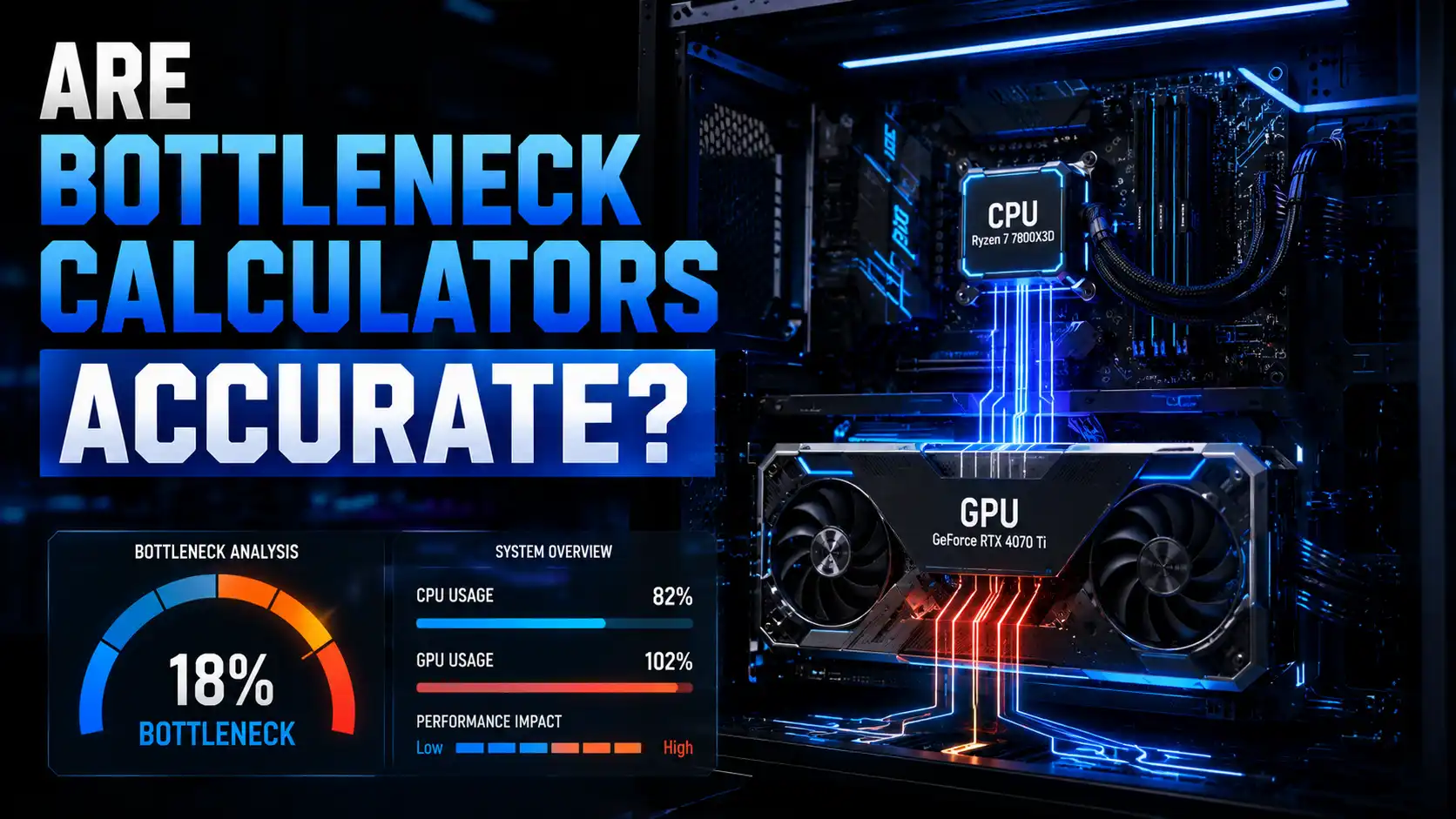
Are Bottleneck Calculators Accurate? The Truth Behind CPU & GPU Bottleneck Results (2026)
Are bottleneck calculators accurate or just guesswork? Discover how they really work, their limitations, and how to get precise CPU-GPU bottleneck results.