
Best CPU for RTX 5060 Ti and RTX 5060
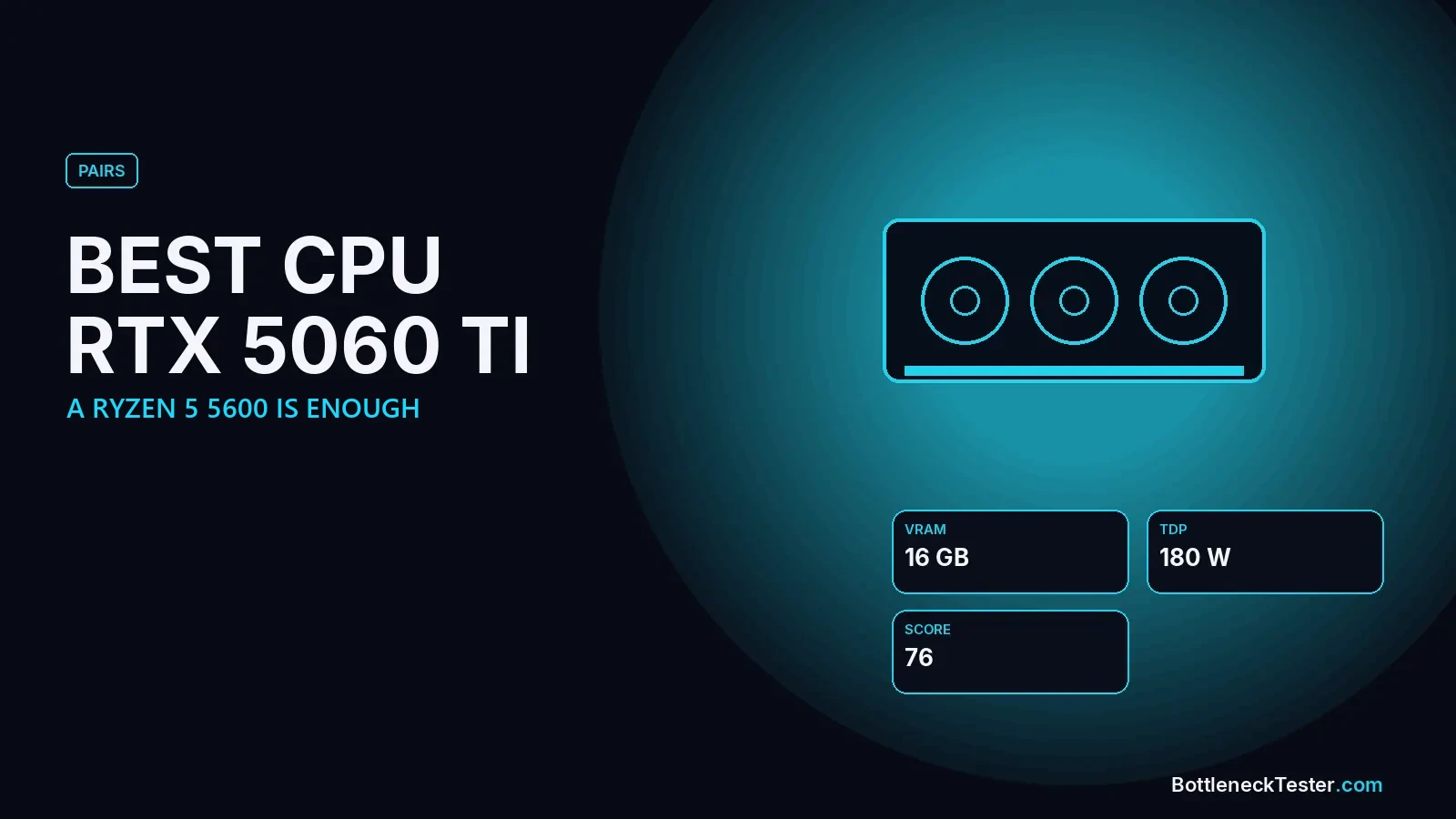
The RTX 5060 Ti is a budget-to-mid-range card, and that changes the usual advice. Instead of needing a fast CPU, it’s the card that most often leaves a fast CPU with nothing to do. For most buyers the best processor for it is the cheapest one that keeps up, and the more important choices are the 8GB versus 16GB version and your motherboard’s PCIe slot.
Quick Answer: Best CPU for RTX 5060 Ti
The best-balanced CPUs for an RTX 5060 Ti are the Ryzen 5 5600 (0.8% at 1440p), Core i5-11400F (0%), Ryzen 5 5600X (1.2%) and Core i5-12400F (3.5%). For a new build, the Ryzen 5 7600 (2.9%) is the sensible pick. Anything faster, like a 7800X3D (13.3% GPU-limited at 1440p), leaves CPU power unused. Even older chips like the Ryzen 5 3600 stay under 9% at 1080p. Buy the 16GB version if you can, and avoid running an 8GB model on a PCIe 3.0 board.
Calculator Results: RTX 5060 Ti With 26 CPUs
| CPU | 1080p | 1440p | 4K | Limit at 1440p |
|---|---|---|---|---|
| AMD Ryzen 7 9800X3D | 10.1%, GPU | 13.9%, GPU | 18%, GPU | GPU |
| AMD Ryzen 7 7800X3D | 9.7%, GPU | 13.3%, GPU | 17.3%, GPU | GPU |
| Intel Core i7-14700K | 8%, GPU | 11%, GPU | 14.3%, GPU | GPU |
| AMD Ryzen 7 5800X3D | 7.1%, GPU | 9.9%, GPU | 12.8%, GPU | GPU |
| AMD Ryzen 7 7700X | 6.7%, GPU | 9.3%, GPU | 12%, GPU | GPU |
| Intel Core i5-14600K | 6.3%, GPU | 8.7%, GPU | 11.3%, GPU | GPU |
| Intel Core i5-13600K | 5.9%, GPU | 8.1%, GPU | 10.5%, GPU | GPU |
| AMD Ryzen 5 7600X | 5.5%, GPU | 7.5%, GPU | 9.8%, GPU | GPU |
| AMD Ryzen 7 9700X | 5.5%, GPU | 7.5%, GPU | 9.8%, GPU | GPU |
| Intel Core Ultra 7 265KF | 4.6%, GPU | 6.4%, GPU | 8.3%, GPU | GPU |
| AMD Ryzen 5 9600X | 3.8%, GPU | 5.2%, GPU | 6.8%, GPU | GPU |
| AMD Ryzen 7 5700X3D | 3.8%, GPU | 5.2%, GPU | 6.8%, GPU | GPU |
| Intel Core i5-12400F | 2.5%, GPU | 3.5%, GPU | 4.5%, GPU | GPU |
| Intel Core i5-14400F | 2.5%, GPU | 3.5%, GPU | 4.5%, GPU | GPU |
| AMD Ryzen 5 7600 | 2.1%, GPU | 2.9%, GPU | 3.8%, GPU | GPU |
| Intel Core i5-13400F | 1.7%, GPU | 2.3%, GPU | 3%, GPU | GPU |
| AMD Ryzen 5 5600X | 0.8%, GPU | 1.2%, GPU | 1.5%, GPU | GPU |
| Intel Core i5-11400F | 0%, balanced | 0%, balanced | 0%, balanced | Balanced |
| AMD Ryzen 5 5600 | 1.2%, CPU | 0.8%, CPU | 0.5%, CPU | CPU |
| AMD Ryzen 7 3700X | 7%, CPU | 5%, CPU | 3%, CPU | CPU |
| Intel Core i3-12100F | 8.1%, CPU | 5.9%, CPU | 3.5%, CPU | CPU |
| Intel Core i5-10400F | 8.1%, CPU | 5.9%, CPU | 3.5%, CPU | CPU |
| AMD Ryzen 5 3600 | 8.7%, CPU | 6.3%, CPU | 3.8%, CPU | CPU |
| Intel Core i7-8700K | 8.7%, CPU | 6.3%, CPU | 3.8%, CPU | CPU |
| Intel Core i7-7700K | 12.2%, CPU | 8.8%, CPU | 5.3%, CPU | CPU |
| AMD Ryzen 5 2600 | 16.2%, CPU | 11.8%, CPU | 7%, CPU | CPU |
All figures are estimates from our calculator, not game benchmarks. Every row uses the same settings: gaming, 144Hz target, 16GB DDR4-3200 dual channel, an NVMe SSD, ray tracing and upscaling off. “CPU” means the processor is the slower part; “GPU” means the graphics card is.
Most rows say “GPU” because the RTX 5060 Ti is the slower part with almost any current CPU. A GPU-limited result over 10% doesn’t mean something is wrong. It means you paid for processor speed this card can’t use.
What About the Regular RTX 5060?
The non-Ti RTX 5060 is a step slower and has 8GB of VRAM, so the CPU matters even less. In our calculator, a Ryzen 5 5600 is 4.1% GPU-limited with it at 1440p, a Core i5-12400F 8.7%, and a Ryzen 5 7600X already 12.8%. Even a Ryzen 5 3600 stays balanced (2.5%, CPU-limited). For an RTX 5060, a budget six-core CPU is all you need.
8GB vs 16GB: The Choice That Matters More Than the CPU
The RTX 5060 Ti comes in 8GB and 16GB versions with the same GPU chip. The CPU recommendation doesn’t change between them, but the experience does: in newer games at high texture settings, the 8GB card can run out of video memory, which causes stutter and blurry textures that no CPU upgrade fixes. Reviewers who tested both versions found the 8GB model struggling in settings where the 16GB one was unaffected. If you plan to play at 1440p or keep the card for several years, the 16GB version is the safer buy. See our VRAM bottleneck guide.
PCIe x8 on Older Motherboards
The RTX 5060 Ti connects with eight PCIe 5.0 lanes instead of the usual sixteen. On a modern board that’s plenty. On an older PCIe 3.0 board, such as many B450 AM4 boards or Intel 10th-gen systems, the card gets much less bandwidth. In TechPowerUp’s tests the 16GB card lost only around 4% on PCIe 3.0 x8. The 8GB card is hurt more, because when it runs out of VRAM it has to move data over that slower link. So the riskiest combination is an 8GB RTX 5060 Ti in a PCIe 3.0 slot. Check your slot with our PCIe bottleneck guide.
Upgrading an Older PC With an RTX 5060 Ti
This is one of the best upgrade cards for an older system. A Ryzen 5 3600, Core i7-8700K or Core i5-10400F stays at 5.9–6.3% at 1440p, so you can drop a 5060 Ti into a 2019-era PC and get most of its performance. Only the oldest chips in our table, the Core i7-7700K (12.2% at 1080p) and Ryzen 5 2600 (16.2% at 1080p), clearly hold it back.
What Changes the Result With an RTX 5060 Ti
Because the 5060 Ti is a modest card, the processor rarely limits it. Your memory setup and how you play matter more than the CPU model:
| Setting | Ryzen 5 3600 | Ryzen 5 5600 | Core i5-12400F |
|---|---|---|---|
| Default 1440p | 6.3%, CPU | 0.8%, CPU | 3.5%, GPU |
| 1080p | 8.7%, CPU | 1.2%, CPU | 2.5%, GPU |
| 1080p at 240Hz | 9.9%, CPU | 1.3%, CPU | 2%, GPU |
| Streaming while gaming | 7.8%, CPU | 1%, CPU | 2.9%, GPU |
| Single-channel RAM | 11.3%, CPU | 5.9%, CPU | 2.5%, CPU |
| Only 8GB RAM | 9.7%, CPU | 4.2%, CPU | 0.8%, CPU |
Calculator estimates at 1440p unless stated, 144Hz, 16GB DDR4-3200 dual channel unless the row changes it. Not game benchmarks.
What this tells you: an older Ryzen 5 3600 handles the 5060 Ti fine at 1440p. At 1080p with a 240Hz monitor, or with single-channel memory, it gets close to or past 10%. If you’re reusing an old PC, a second RAM stick for dual channel and a move from 8GB to 16GB are cheaper than a new CPU and can matter just as much.
Building a Budget PC Around the RTX 5060 Ti
The 5060 Ti is a common choice for a first gaming PC, and the CPU decision is simple there:
- Cheapest balanced pick: Ryzen 5 5600 on a B550 board. Use the B550 rather than B450 so the card gets a PCIe 4.0 slot.
- Intel alternative: Core i5-12400F on a B660 or B760 board, often DDR4 to keep costs down.
- Room to upgrade later: Ryzen 5 7600 on AM5. It leaves the 5060 Ti slightly GPU-limited (2.9% at 1440p), so you can drop in a much faster graphics card later without changing the CPU.
- Power supply: the RTX 5060 Ti is a low-power card, so a good-quality 550–650W unit is plenty with any of these CPUs.
RTX 5060 Ti for Streaming
NVIDIA’s hardware encoder (NVENC) handles stream encoding on the graphics card, so streaming adds little CPU load compared with software encoding. In our calculator, streaming moves a Ryzen 5 5600 pairing from 0.8% to just 1%. If you stream, use the NVENC encoder in OBS and keep at least 16GB of RAM.
Frequently Asked Questions
Will a Ryzen 5 5600 bottleneck an RTX 5060 Ti?
No. Our calculator shows 1.2% at 1080p and 0.8% at 1440p, which is close to perfectly balanced.
Is a Ryzen 7 7800X3D a good CPU for an RTX 5060 Ti?
It works, but it’s 9.7–13.3% GPU-limited, so most of its speed goes unused. It only makes sense if you plan a big GPU upgrade soon.
What is the best CPU for the RTX 5060?
A budget six-core chip like the Ryzen 5 5600 or Core i5-12400F. The RTX 5060 is slower than the 5060 Ti, so faster CPUs show an even larger GPU-limited gap.
Should I buy the 8GB or 16GB RTX 5060 Ti?
The 16GB version, if the price difference is reasonable. The CPU choice is the same for both, but 8GB is increasingly limiting in new games.
Is a Ryzen 5 3600 enough for an RTX 5060 Ti?
For 1440p, yes: 6.3% in our calculator. At 1080p it rises to 8.7%, and to about 10% at 240Hz, so a faster CPU helps only for high refresh rate 1080p gaming.
Does the RTX 5060 Ti need PCIe 5.0?
No. It uses a PCIe 5.0 x8 link, but runs well on PCIe 4.0. Only older PCIe 3.0 boards reduce its bandwidth noticeably, and mainly on the 8GB version.
Check Your Exact Pair
Try your exact CPU and memory in the bottleneck calculator, and see how the 5060 Ti ranks on the GPU tier list.
Related guides
Best CPU for RTX 5070 Ti
The Ryzen 5 7600X, Ryzen 7 9700X and i5-13600K are the best-balanced CPUs for an RTX 5070 Ti. Picks for 1440p high refresh vs 4K, 25 CPUs compared.
Are Bottleneck Calculators Accurate? The Truth Behind CPU & GPU Bottleneck Results (2026)
Are bottleneck calculators accurate or just guesswork? Discover how they really work, their limitations, and how to get precise CPU-GPU bottleneck results.
Best CPU for RTX 4060
Find the best CPU for RTX 4060 in 2026 — budget, value, and high-end picks explained, plus how to check if your CPU is bottlenecking your GPU.