
Best CPU for RTX 5070 Ti
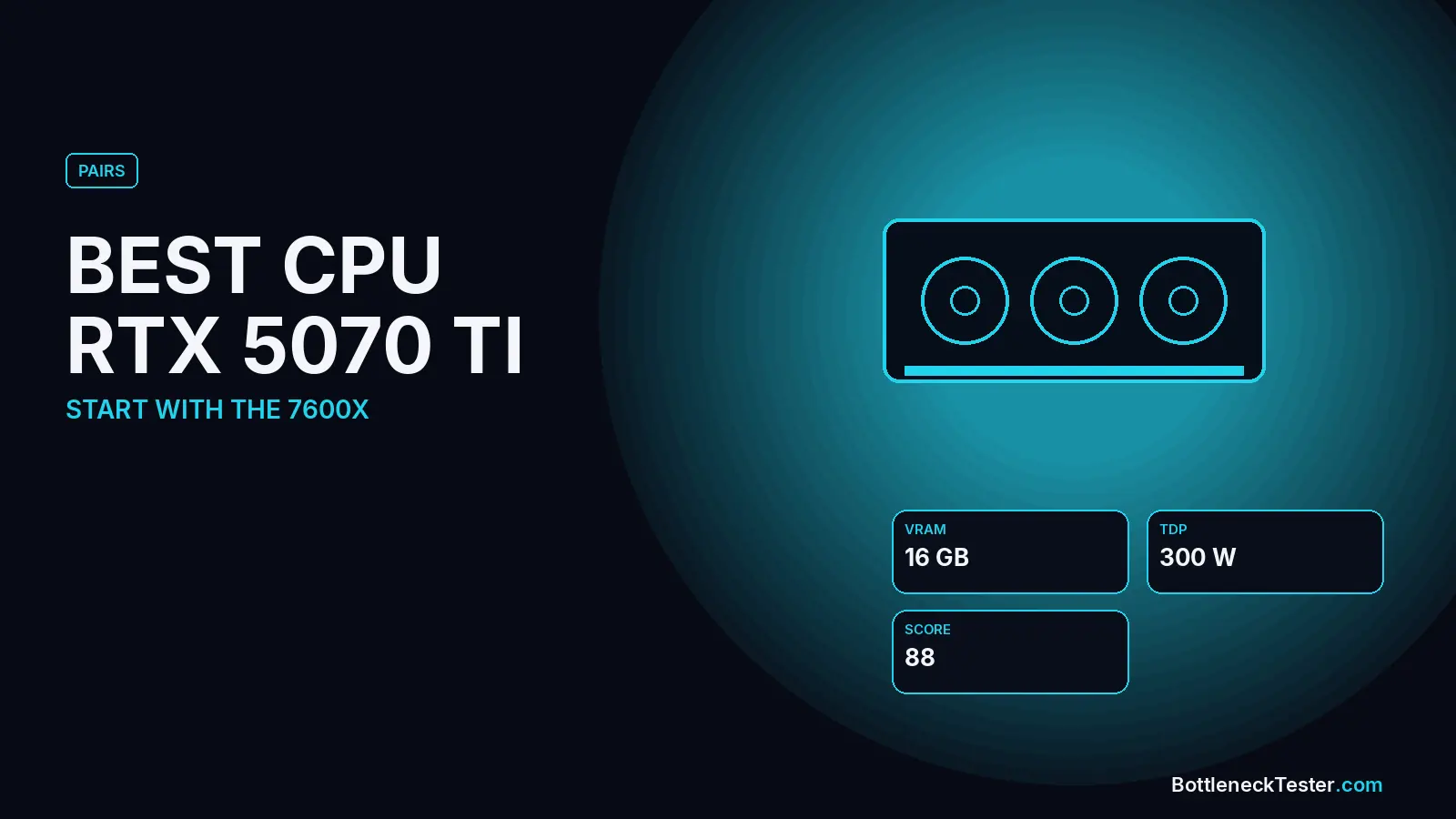
The RTX 5070 Ti sits at the point where the CPU starts to matter. It’s fast enough that older processors visibly hold it back at 1080p, but not so fast that you need a flagship chip. Which CPU is right depends mostly on one decision: whether you’re buying it for high refresh rate 1440p or for 4K.
Quick Answer: Best CPU for RTX 5070 Ti
The Ryzen 5 7600X, Ryzen 7 9700X and Core i5-13600K are the best-balanced CPUs for the RTX 5070 Ti, all within 1.2% at 1440p in our calculator. For high refresh rate gaming with room to upgrade, the Ryzen 7 7800X3D (6.4% GPU-limited at 1440p) is the step up. A Ryzen 5 5600 or 5600X is acceptable for 1440p (5.9% / 4.2%) but starts to limit the card at 1080p, and CPUs from 2019 or earlier cross 10% at 1440p.
Best CPU for RTX 5070 Ti: 1440p High Refresh vs 4K
For 1440p at 144–240Hz
Higher refresh rates push more work onto the CPU, so aim for the top half of the table. The Ryzen 7 7800X3D and 9800X3D are both GPU-limited with this card (6.4% and 7% at 1440p), meaning they can keep up even in CPU-heavy games, and they leave room for a faster GPU later. The Core i7-14700K (4.1%) is the Intel equivalent.
For 4K
At 4K the graphics card does most of the work, so you can spend less on the CPU. A Ryzen 5 7600 (1.8% at 4K) or Core i5-12400F (1.5%) is balanced here, and even a Ryzen 5 5600 sits at only 3.5%. Put the savings toward the card or a better monitor.
Calculator Results: RTX 5070 Ti With 26 CPUs
| CPU | 1080p | 1440p | 4K | Limit at 1440p |
|---|---|---|---|---|
| AMD Ryzen 7 9800X3D | 5%, GPU | 7%, GPU | 9%, GPU | GPU |
| AMD Ryzen 7 7800X3D | 4.6%, GPU | 6.4%, GPU | 8.3%, GPU | GPU |
| Intel Core i7-14700K | 2.9%, GPU | 4.1%, GPU | 5.3%, GPU | GPU |
| AMD Ryzen 7 5800X3D | 2.1%, GPU | 2.9%, GPU | 3.8%, GPU | GPU |
| AMD Ryzen 7 7700X | 1.7%, GPU | 2.3%, GPU | 3%, GPU | GPU |
| Intel Core i5-14600K | 1.3%, GPU | 1.7%, GPU | 2.3%, GPU | GPU |
| Intel Core i5-13600K | 0.8%, GPU | 1.2%, GPU | 1.5%, GPU | GPU |
| AMD Ryzen 5 7600X | 0.4%, GPU | 0.6%, GPU | 0.8%, GPU | GPU |
| AMD Ryzen 7 9700X | 0.4%, GPU | 0.6%, GPU | 0.8%, GPU | GPU |
| Intel Core Ultra 7 265KF | 0.6%, CPU | 0.4%, CPU | 0.3%, CPU | CPU |
| AMD Ryzen 5 9600X | 1.7%, CPU | 1.3%, CPU | 0.8%, CPU | CPU |
| AMD Ryzen 7 5700X3D | 1.7%, CPU | 1.3%, CPU | 0.8%, CPU | CPU |
| Intel Core i5-12400F | 3.5%, CPU | 2.5%, CPU | 1.5%, CPU | CPU |
| Intel Core i5-14400F | 3.5%, CPU | 2.5%, CPU | 1.5%, CPU | CPU |
| AMD Ryzen 5 7600 | 4.1%, CPU | 2.9%, CPU | 1.8%, CPU | CPU |
| Intel Core i5-13400F | 4.6%, CPU | 3.4%, CPU | 2%, CPU | CPU |
| AMD Ryzen 5 5600X | 5.8%, CPU | 4.2%, CPU | 2.5%, CPU | CPU |
| Intel Core i5-11400F | 7%, CPU | 5%, CPU | 3%, CPU | CPU |
| AMD Ryzen 5 5600 | 8.1%, CPU | 5.9%, CPU | 3.5%, CPU | CPU |
| AMD Ryzen 7 3700X | 13.9%, CPU | 10.1%, CPU | 6%, CPU | CPU |
| Intel Core i3-12100F | 15.1%, CPU | 10.9%, CPU | 6.5%, CPU | CPU |
| Intel Core i5-10400F | 15.1%, CPU | 10.9%, CPU | 6.5%, CPU | CPU |
| AMD Ryzen 5 3600 | 15.7%, CPU | 11.3%, CPU | 6.8%, CPU | CPU |
| Intel Core i7-8700K | 15.7%, CPU | 11.3%, CPU | 6.8%, CPU | CPU |
| Intel Core i7-7700K | 19.1%, CPU | 13.9%, CPU | 8.3%, CPU | CPU |
| AMD Ryzen 5 2600 | 23.2%, CPU | 16.8%, CPU | 10%, CPU | CPU |
All figures are estimates from our calculator, not game benchmarks. Every row uses the same settings: gaming, 144Hz target, 16GB DDR4-3200 dual channel, an NVMe SSD, ray tracing and upscaling off. “CPU” means the processor is the slower part; “GPU” means the graphics card is.
Where Older CPUs Start Holding the 5070 Ti Back
The RTX 5070 Ti is the first card in this range where 2019-era processors become a real limit. The Ryzen 7 3700X, Ryzen 5 3600, Core i5-10400F and Core i7-8700K all sit between 13.9% and 15.7% at 1080p, and just over 10% at 1440p. The Core i7-7700K (19.1% at 1080p) and Ryzen 5 2600 (23.2%) leave a large part of the card unused. If you’re upgrading such a system mainly for this GPU, budget for a CPU upgrade too. On AM4, a Ryzen 7 5700X3D (1.3%) or 5800X3D (2.9% GPU-limited) fixes it without a new motherboard. See our best AM4 CPU guide.
16GB of VRAM and Power
With 16GB of VRAM, the 5070 Ti handles 4K textures that can trip up 12GB cards, so it’s a solid long-term choice regardless of CPU. NVIDIA rates it at 300W and recommends a 750W power supply for the system. A high-power Intel K-series chip adds to that, so leave some headroom. Our PSU bottleneck guide explains what an undersized PSU looks like.
Ray Tracing, Upscaling and Streaming With a 5070 Ti
The RTX 5070 Ti is often bought for ray tracing and DLSS, and both shift the balance in our calculator:
| Setting (1440p) | Ryzen 5 5600 | Ryzen 5 7600X | Ryzen 7 7800X3D |
|---|---|---|---|
| Default | 5.9%, CPU | 0.6%, GPU | 6.4%, GPU |
| Ray tracing on | 5%, CPU | 0.6%, GPU | 7%, GPU |
| DLSS upscaling on | 6.6%, CPU | 0.5%, GPU | 5.8%, GPU |
| 240Hz target | 7%, CPU | 0.5%, GPU | 5.5%, GPU |
| Streaming while gaming | 7.3%, CPU | 0.5%, GPU | 5.3%, GPU |
| Single-channel RAM | 10.9%, CPU | 4.6%, CPU | 0.4%, CPU |
Calculator estimates at 1440p unless stated, 144Hz, 16GB DDR4-3200 dual channel unless the row changes it. Not game benchmarks.
With the Ryzen 5 7600X, the RTX 5070 Ti stays within 1% in every scenario except single-channel memory, which makes it the most dependable mid-range pairing for this card. The Ryzen 5 5600 is fine with default settings, but upscaling, 240Hz and streaming all push it towards 7%. Those are exactly the settings many 5070 Ti owners use.
Does DLSS Make a CPU Bottleneck Worse?
It can. DLSS renders each frame at a lower resolution and upscales it, so the GPU finishes faster and the CPU has to prepare frames sooner. In our calculator, turning on upscaling raises the Ryzen 5 5600’s CPU limit with the 5070 Ti from 5.9% to 6.6%. Frame generation then adds frames on the GPU side without involving the CPU, which raises the FPS counter but not the CPU’s own frame rate. If you rely on DLSS at 1440p, choose your CPU using the 1080p column.
Upgrade Paths That Pair Well With a 5070 Ti
- From AM4: Ryzen 7 5700X3D (1.3% at 1440p) or 5800X3D (2.9% GPU-limited). Both drop in after a BIOS update and remove the gap.
- From Intel 10th/11th gen: a new LGA1700 or LGA1851 board with a Core i5-13600K or Core Ultra 7 265KF. Both are balanced with this card.
- New AM5 build: Ryzen 5 7600X now, with the option to move to an X3D chip later on the same board.
RTX 5070 Ti or RTX 5070 for Your CPU?
If you’re choosing between the two cards, your processor can help decide. With a Ryzen 5 5600, moving from the RTX 5070 to the 5070 Ti raises the CPU limit at 1440p from 4.2% to 5.9%. The extra GPU speed still shows up, but the CPU starts to hold some of it back, especially at 1080p (8.1%). With a Ryzen 5 7600X or faster, the 5070 Ti stays under 1% at 1440p, so you get its full advantage. On older or budget CPUs, the RTX 5070 is often the better value; on current mid-range and faster chips, the 5070 Ti is worth the step.
Common Mistakes When Pairing an RTX 5070 Ti
- Keeping one stick of RAM: single-channel memory nearly doubles the CPU limit with a Ryzen 5 5600 (5.9% to 10.9%).
- Judging by 1080p benchmarks only: if you play at 1440p or 4K, the CPU matters much less than 1080p charts suggest.
- Skipping the BIOS update: drop-in AM4 upgrades like the 5700X3D need a recent BIOS before you swap the chip.
- Under-sizing the PSU: NVIDIA recommends 750W for the system. A cheap unit at the limit can cause crashes under load that look like a hardware fault.
Frequently Asked Questions
Will a Ryzen 5 5600 bottleneck an RTX 5070 Ti?
Mildly: 8.1% at 1080p, 5.9% at 1440p and 3.5% at 4K. It’s fine for 1440p and 4K, but a faster CPU helps at 1080p high refresh rates.
Is the 7800X3D worth it for an RTX 5070 Ti?
Yes for 1440p high refresh rate gaming or if you plan to upgrade the GPU later. For 4K only, a cheaper CPU like the Ryzen 5 7600X gives almost the same result.
What is the best Intel CPU for the RTX 5070 Ti?
The Core i5-13600K (1.2% at 1440p) and i5-14600K (1.7%) are the most balanced. The i7-14700K adds headroom for streaming or a future GPU upgrade.
Will an i7-8700K bottleneck an RTX 5070 Ti?
Yes: 15.7% at 1080p and 11.3% at 1440p. It’s fine at 4K (6.8%), but a CPU upgrade pays off at lower resolutions.
Is the Ryzen 7 9700X a good match for the RTX 5070 Ti?
Yes. It’s 0.6% GPU-limited at 1440p, effectively perfect balance, and its extra cores help with streaming and content creation.
Does single-channel RAM matter with an RTX 5070 Ti?
A lot. With one stick of RAM, a Ryzen 5 5600 pairing rises from 5.9% to 10.9% at 1440p. Always use two sticks in dual channel.
Is the RTX 5070 Ti good for 4K?
Yes, with DLSS in demanding games. At 4K even a Ryzen 5 5600 is only 3.5% limited in our calculator, so almost any modern CPU is fine.
Check Your Exact Pair
Run your exact CPU, RAM and resolution in the bottleneck calculator, and see where the 5070 Ti sits on the GPU tier list.
Related guides
Are Bottleneck Calculators Accurate? The Truth Behind CPU & GPU Bottleneck Results (2026)
Are bottleneck calculators accurate or just guesswork? Discover how they really work, their limitations, and how to get precise CPU-GPU bottleneck results.
Best CPU for RTX 4060
Find the best CPU for RTX 4060 in 2026 — budget, value, and high-end picks explained, plus how to check if your CPU is bottlenecking your GPU.
Best CPU for RTX 4070
Which CPU to pair with an RTX 4070 or 4070 SUPER: bottleneck figures for 21 CPUs, budget chips that already balance it, and when an X3D chip is worth it.